-
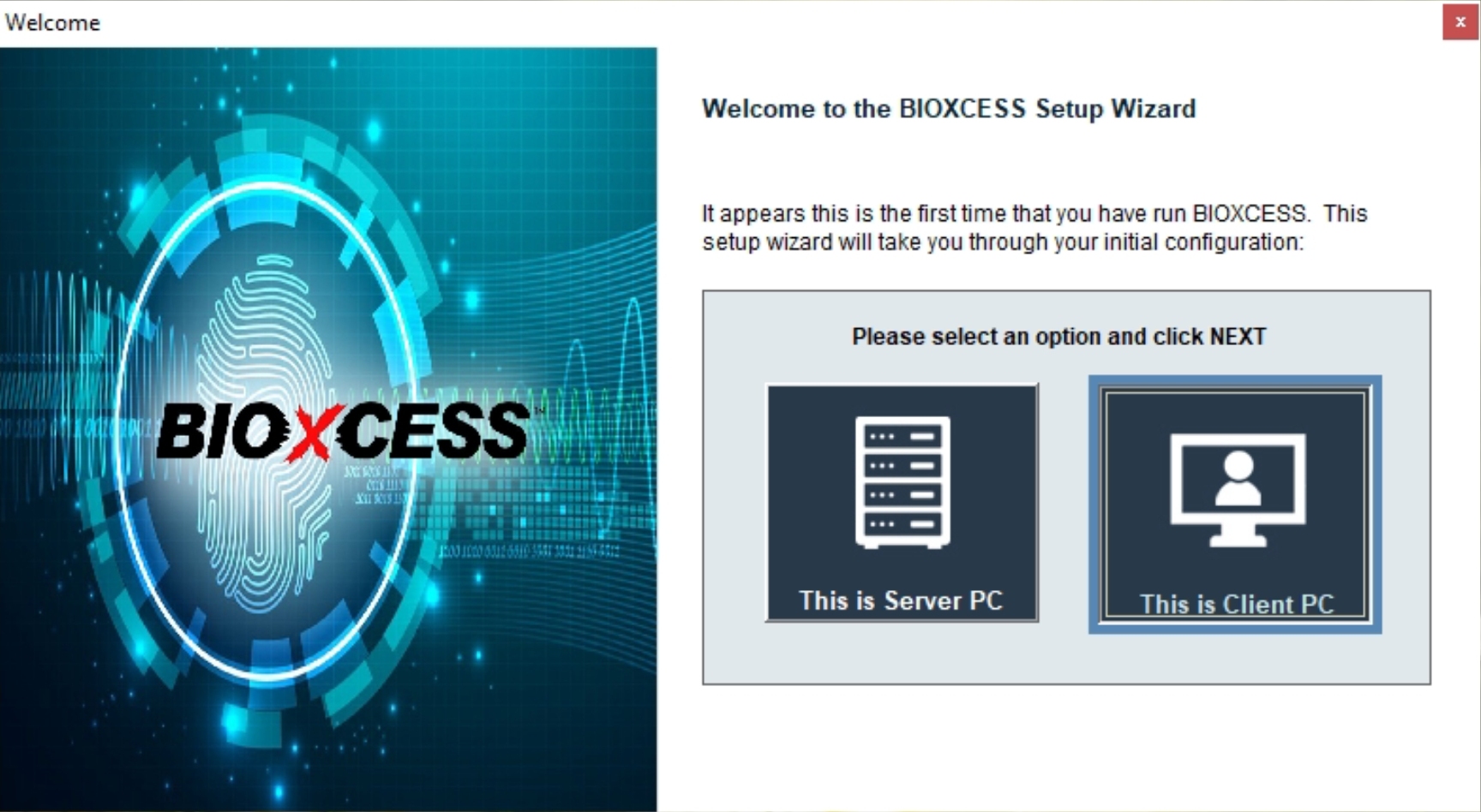
1) Launch BIOXCESS TA3. Right click on the desktop icon and "Run as administrator"
-
2) Select "This is Client PC"
-
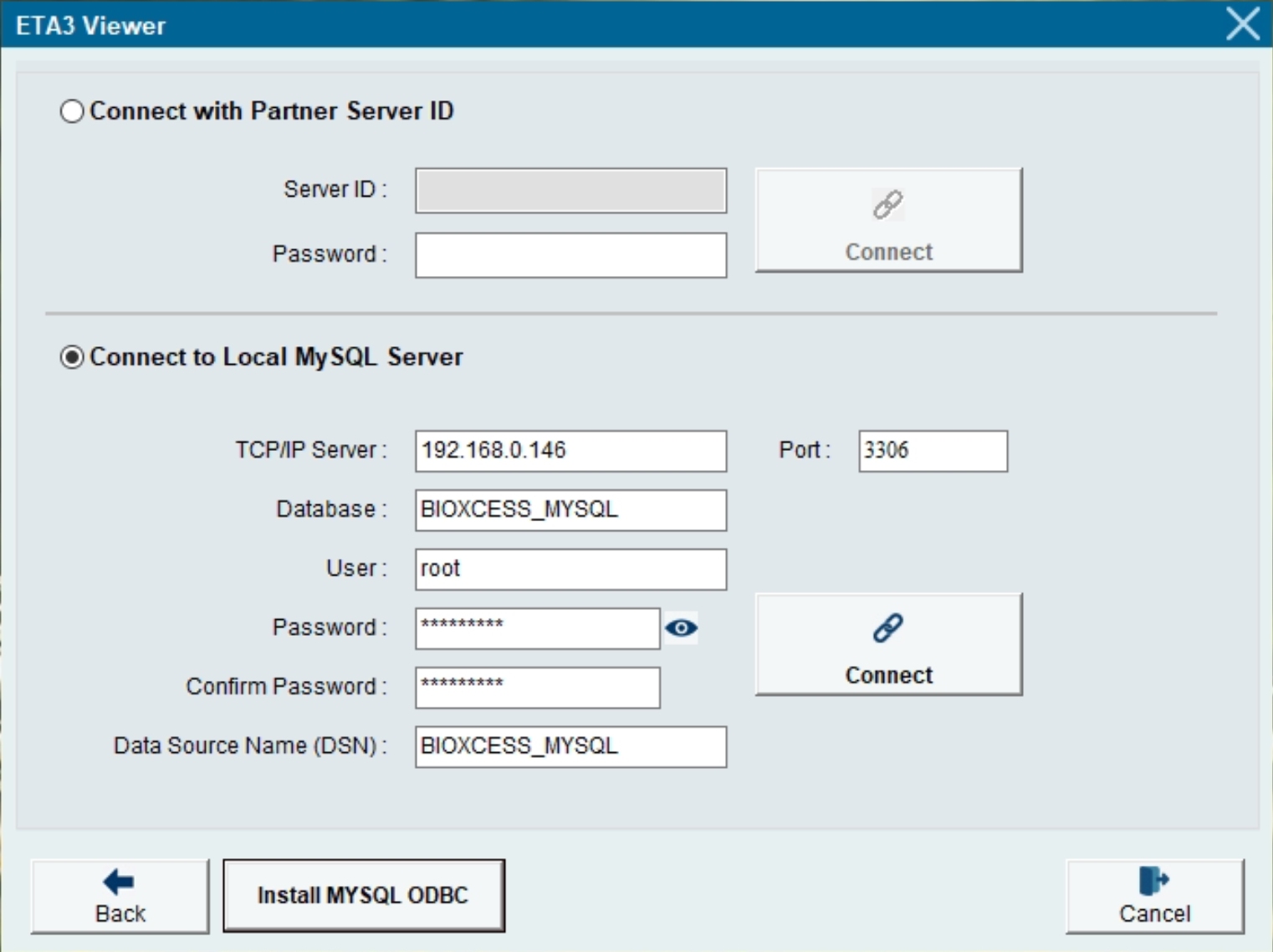
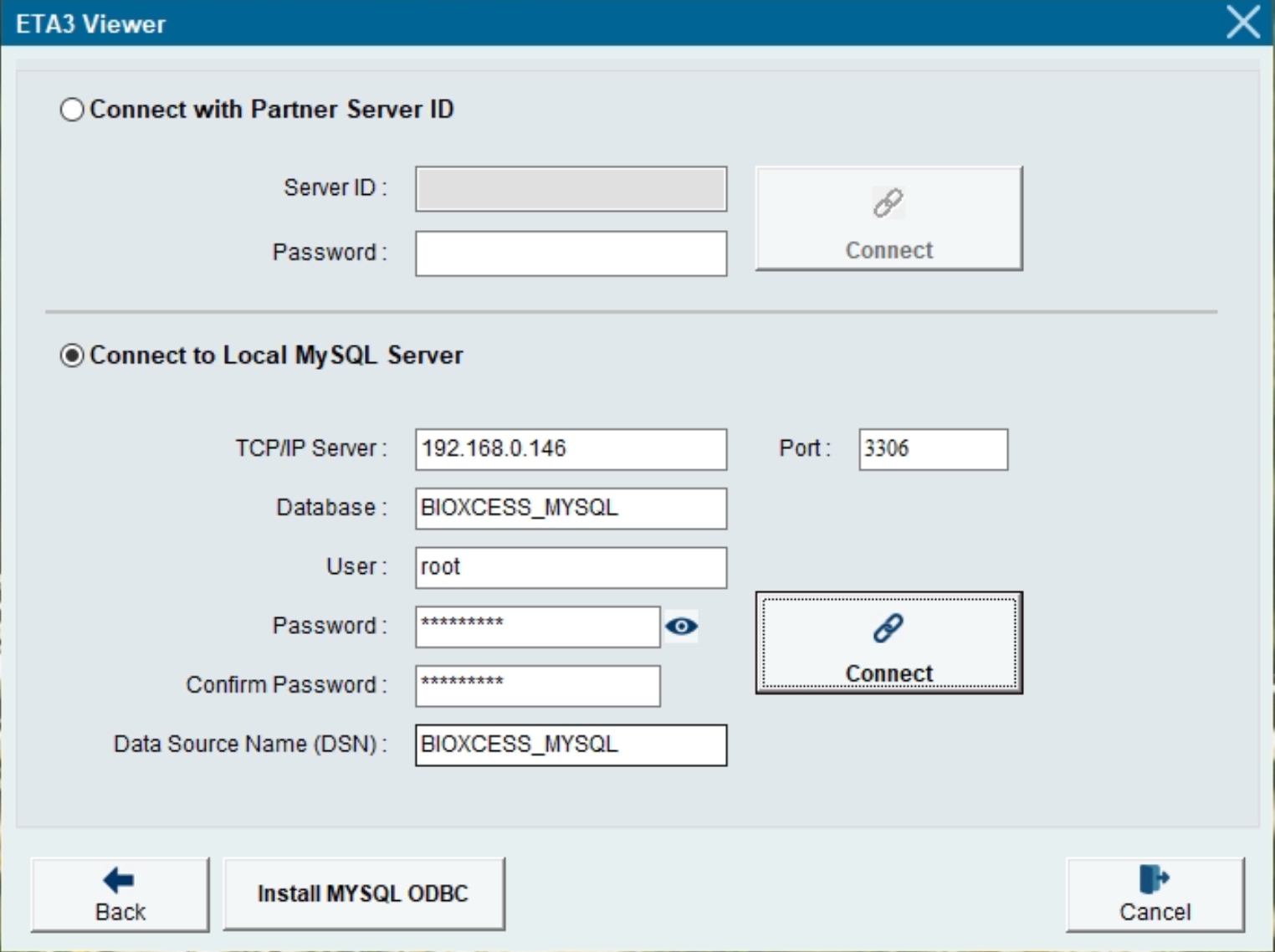
3) Select "Connect to Local MySQL Server"
-
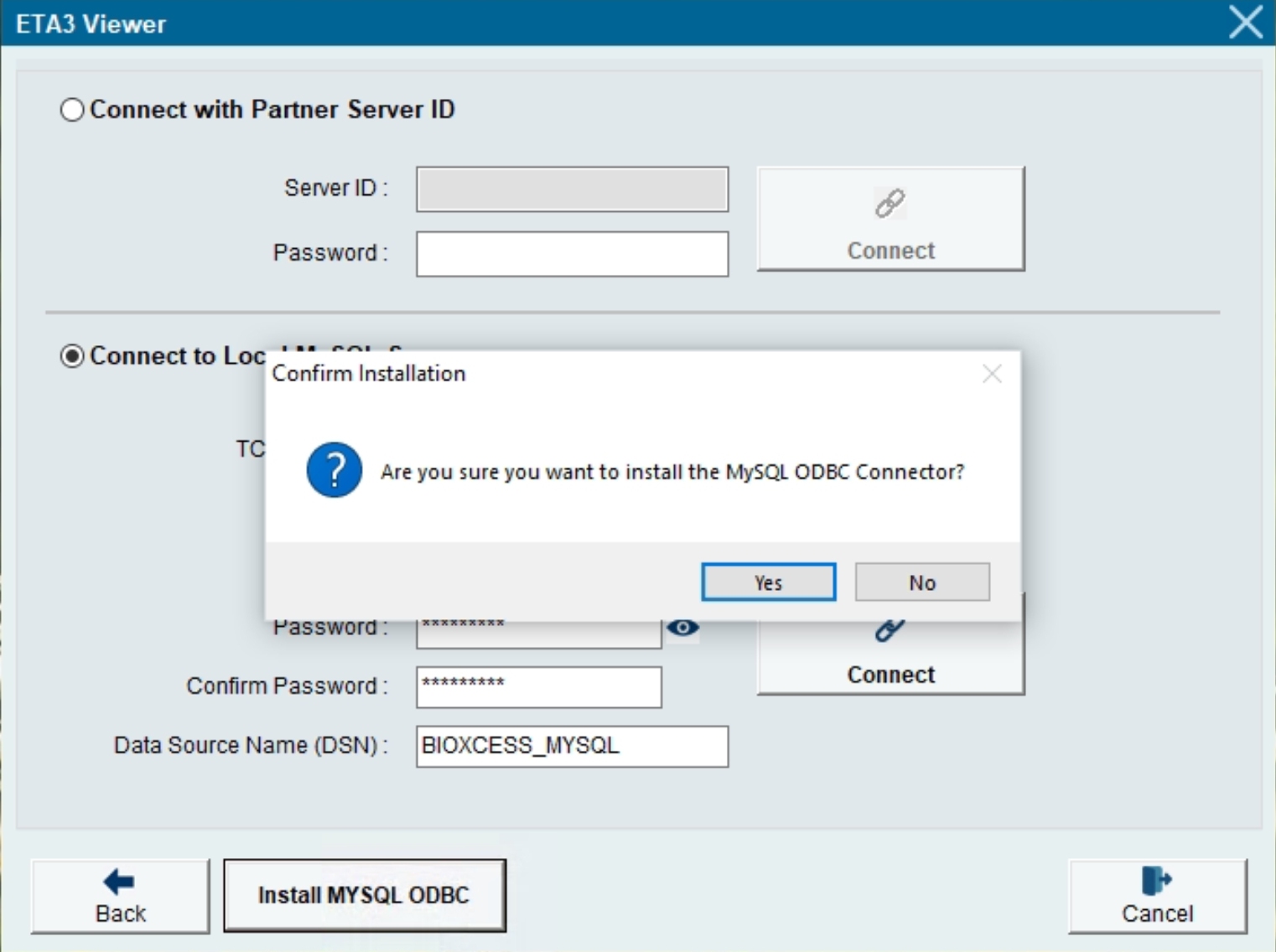
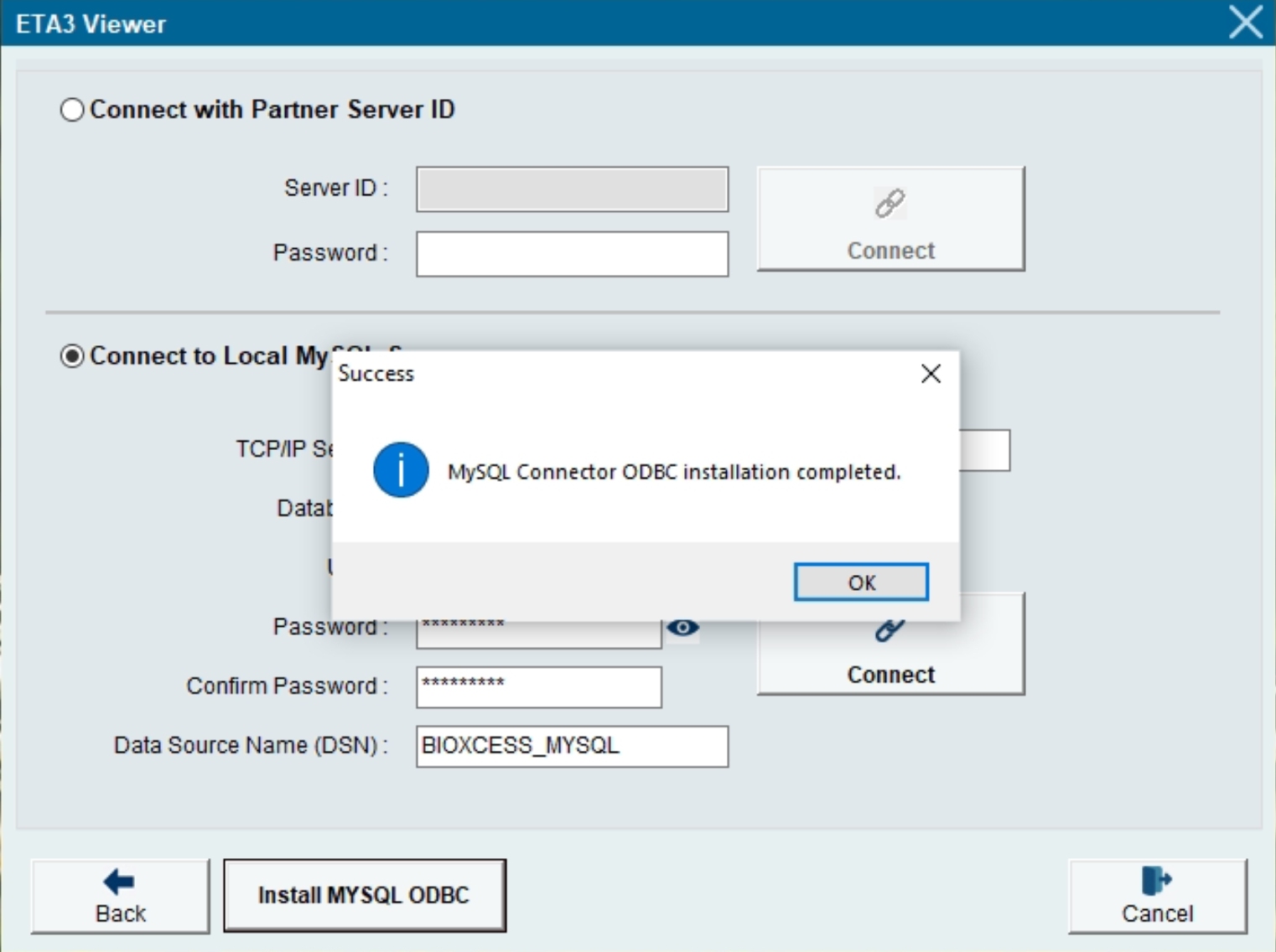
4) Click "Install MYSQL ODBC" for the MySQL ODBC Connector required by the Client PC
-
5) Please enter the Static IP Address of the MySQL Server PC
-
6) Enter the MySQL Database Name that you previously setup in the MySQL Server PC, eg. BIOXCESS_MYSQL
-
7) Next, enter User, Password, Confirm Password
-
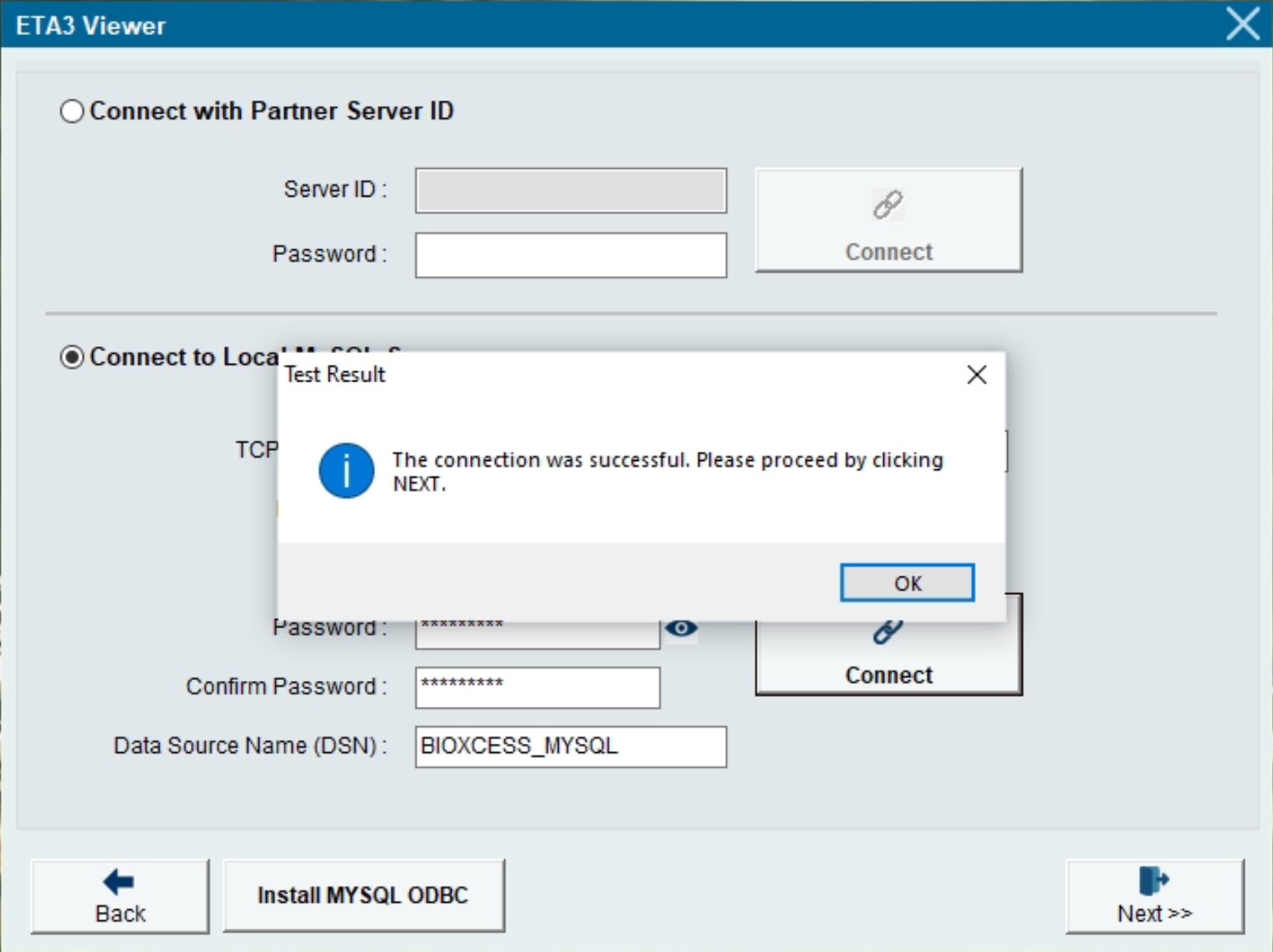
8) Click "Connect"
-
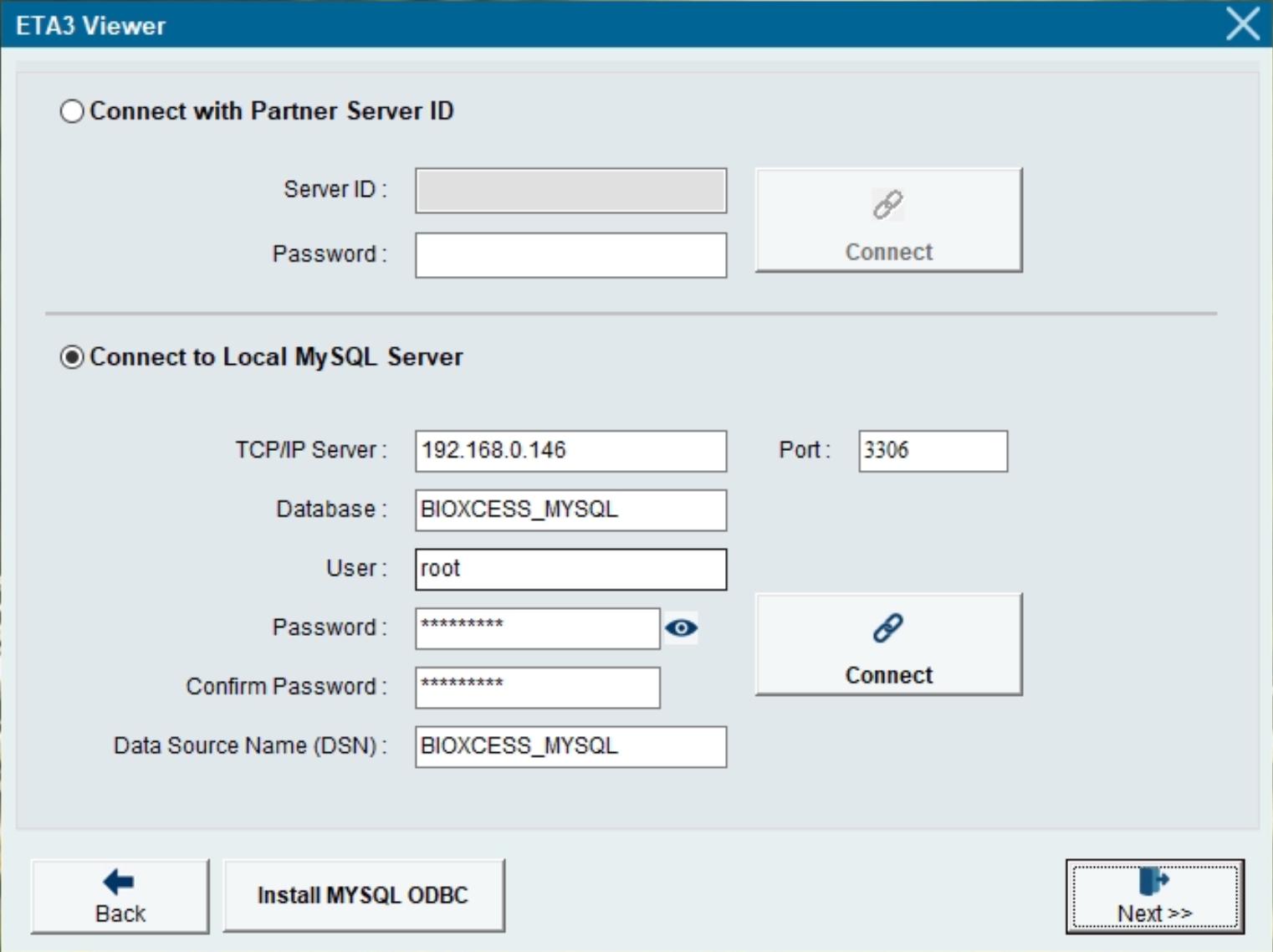
9) Click "Next" to save the Settings
-
10) The Login screen appears and you may start using the BIOXCESS TA3